
Administration, roles and branches
Set up by the clinic, not by us.
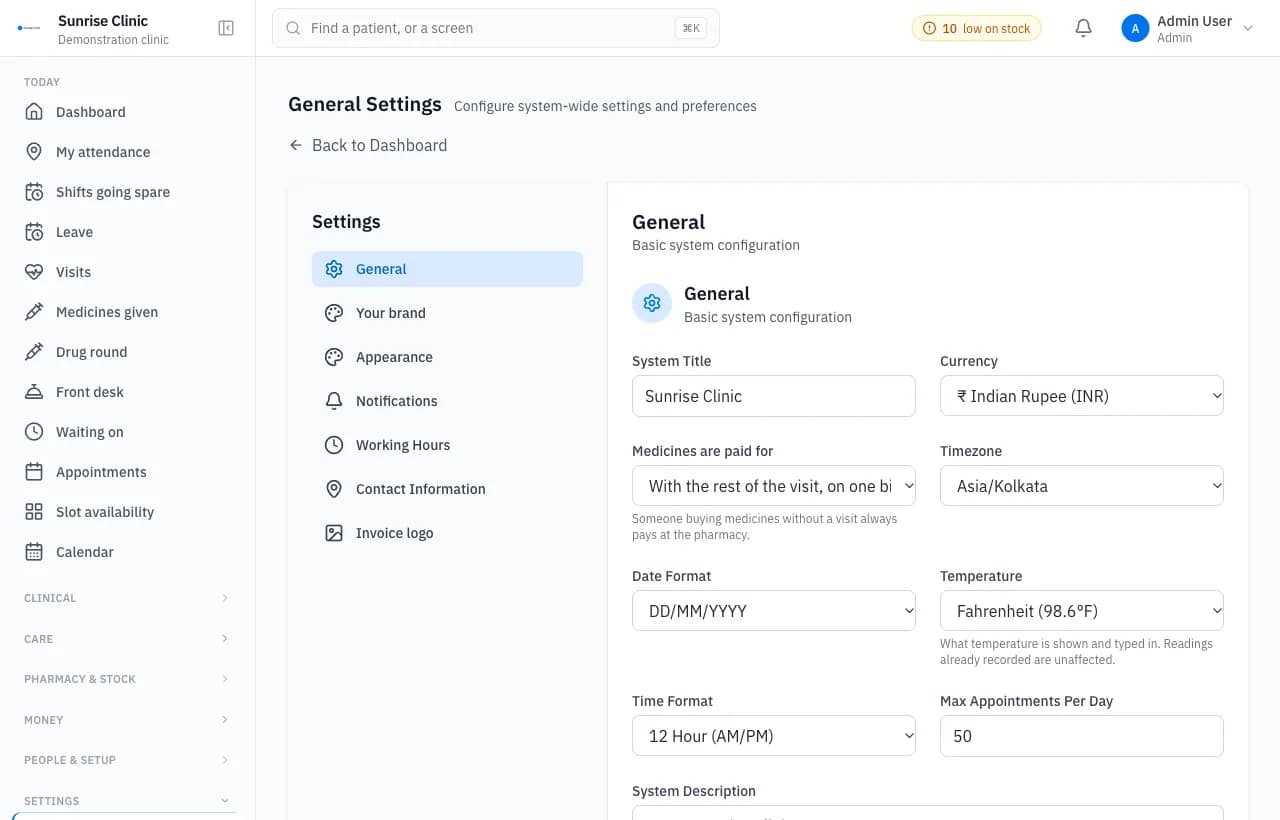
The administration module is where a clinic sets who may do what, runs several branches and puts its own name and domain on the system. Permissions are data, so an administrator changes them without a software release.
Used by: Administrators, owners and IT staff.
What it does
- Roles as data: an administrator can change what a nurse may do without a deploy.
- Branches, with staff who work at several and stock that sits at one.
- The clinic’s own domain, name, mark and colours, on the site and on the installed app.
- An audit trail with no delete, recording refusals as well as successes.
- Modules a clinic has not bought refuse at the endpoint, not merely in the menu.
- Backups taken hourly, then restored into a scratch database to prove they work.
Questions buyers ask
Does the platform support role-based access?
Yes. Roles and their permissions are stored as data, so an administrator can change what a role may do without waiting for a software update. Each action is checked on the server, not only hidden in the menu.